What language does Ɛfie teach?
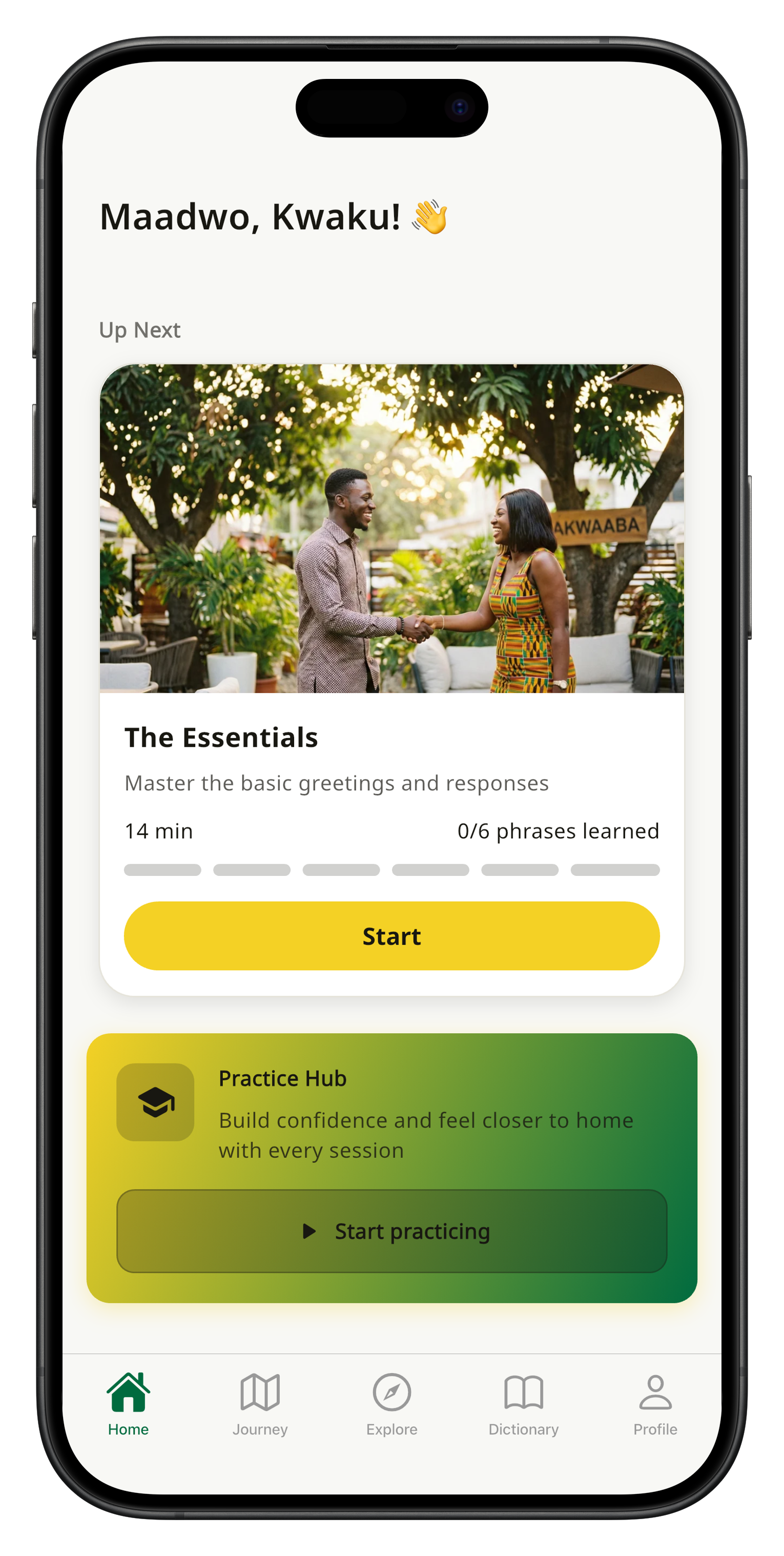
Ɛfie teaches Twi (Asante Twi), the most widely spoken Akan dialect in Ghana. The app covers greetings, everyday phrases, cultural expressions, and conversational vocabulary.
How does the pronunciation feedback work?
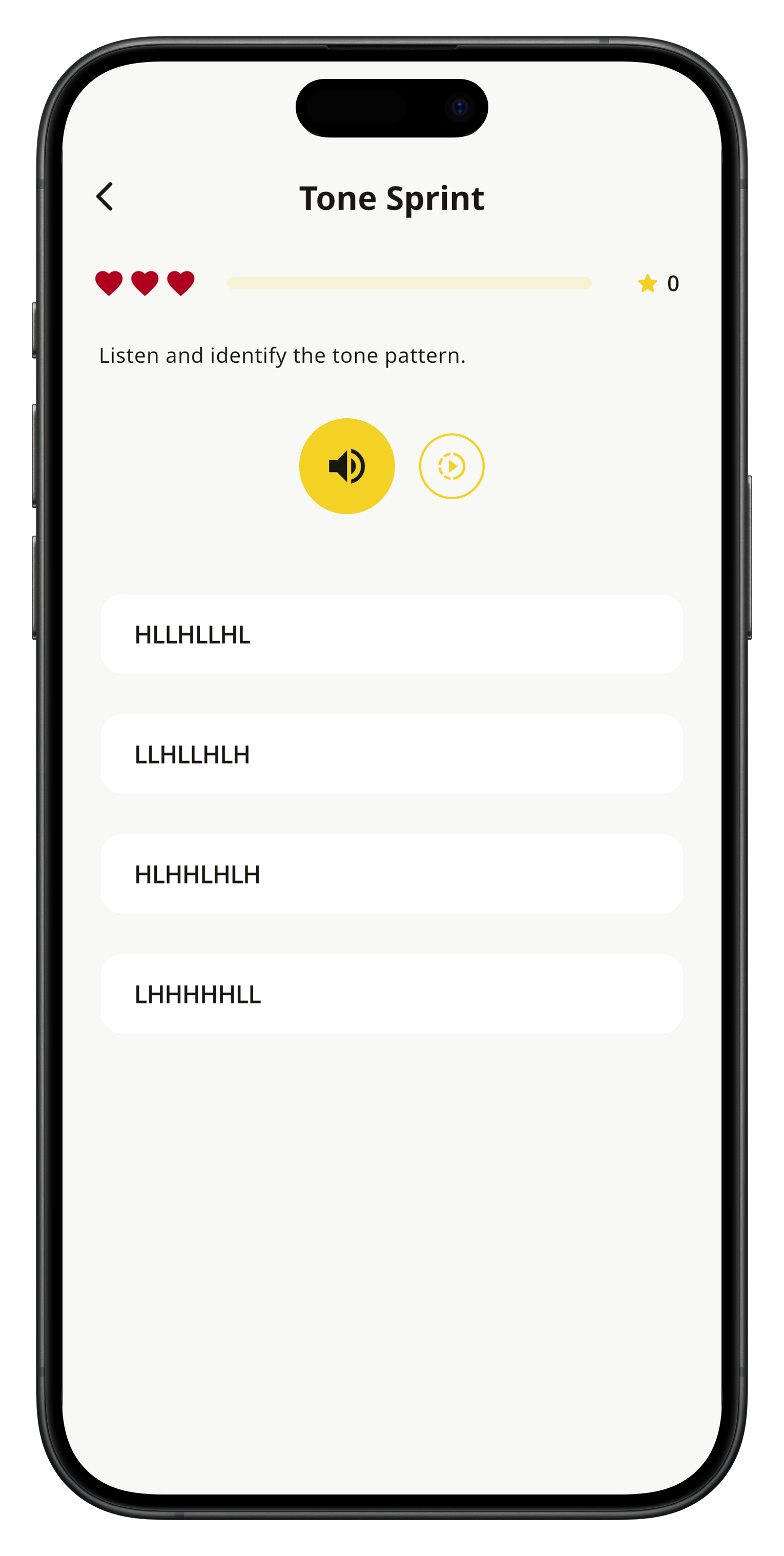
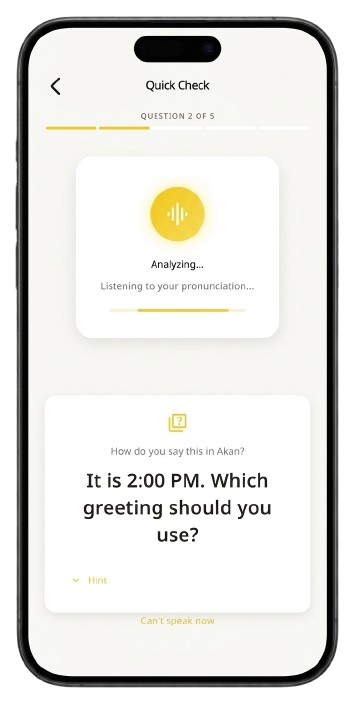
Ɛfie listens to your speech and provides targeted feedback on which part of a word or phrase needs improvement, including tonal accuracy. The app teaches Twi tones alongside vocabulary so your pronunciation sounds natural.
Do I need to practise for hours every day?
No. Ɛfie is built for busy schedules. Micro-sessions in the practice hub take just a few minutes, and the spaced repetition system ensures you retain what you learn without marathon study sessions.
What is the difference between the free and premium plans?
The free plan gives you access to core lessons and basic practice. Premium unlocks the full journey map, advanced pronunciation coaching, tone sprint exercises, achievement challenges, and unlimited practice sessions.
Can I cancel or switch my subscription at any time?
Yes. You can switch between Monthly, Annual, or Lifetime plans at any time without losing your progress. Subscriptions are managed through the App Store or Google Play, and you can cancel at any point.
Is Ɛfie available offline?
Core lessons and vocabulary are available offline once downloaded. Some features like pronunciation feedback and progress syncing require an internet connection.
What languages is the app interface available in?
The app interface supports English, German, Italian, Spanish, French, Dutch, Chinese, Portuguese, and Turkish — so you can learn Twi from your preferred language.
How does the journey map work?
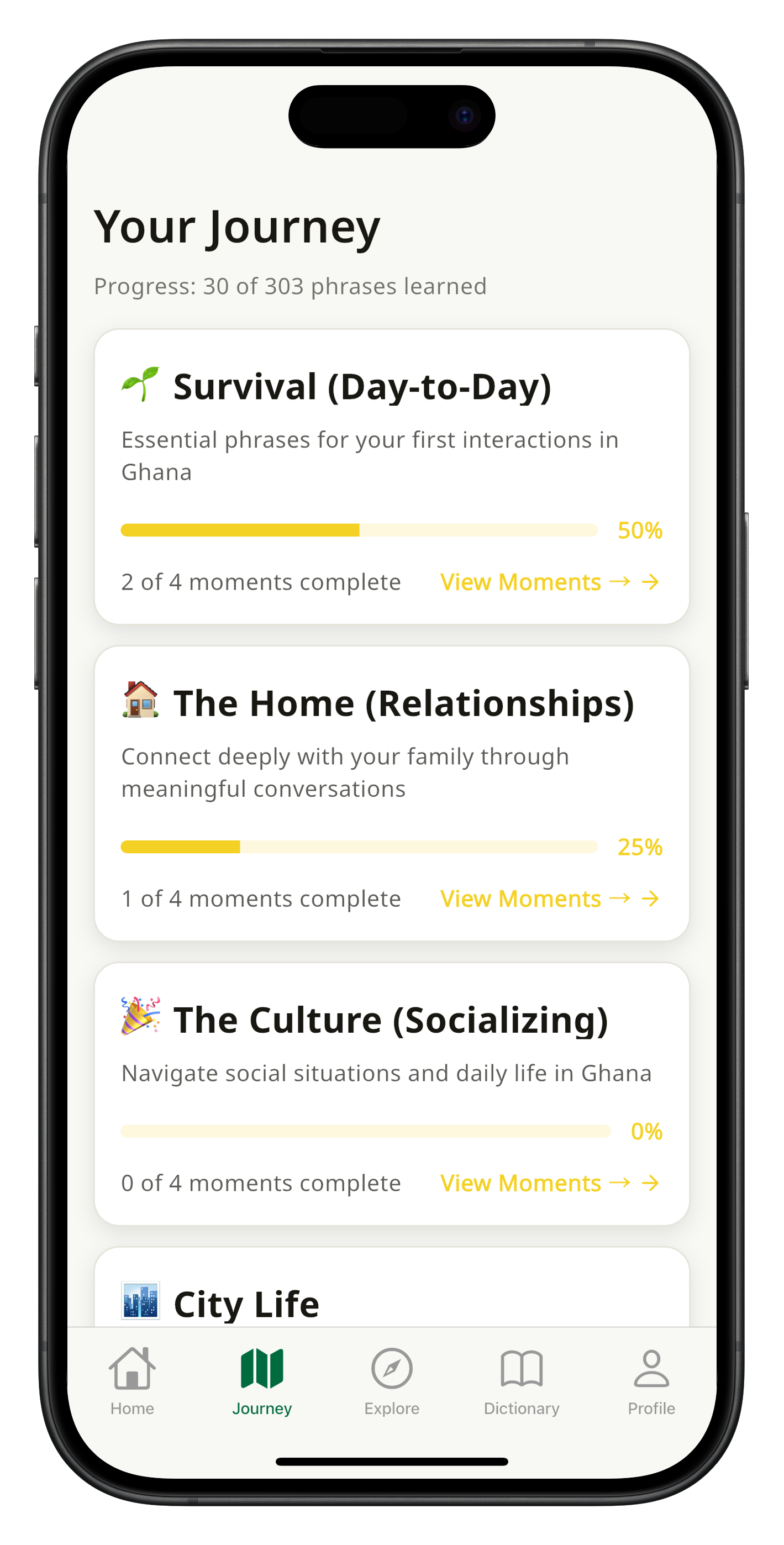
The journey map is your guided learning path. It organises lessons from basic greetings to social fluency with clear milestones, so you always know what to practise next and can see how far you have come.
Does Ɛfie teach Fante or other Akan dialects?
Currently, Ɛfie focuses exclusively on Twi (Asante Twi). We appreciate feedback about other dialects and take user requests into account for future development.
How do I delete my account and data?
You can delete your account from the Profile settings in the app. If you have an active subscription, please cancel it through your app store first to avoid continued billing. All your data will be permanently removed upon deletion.
What is the best app for learning Twi?
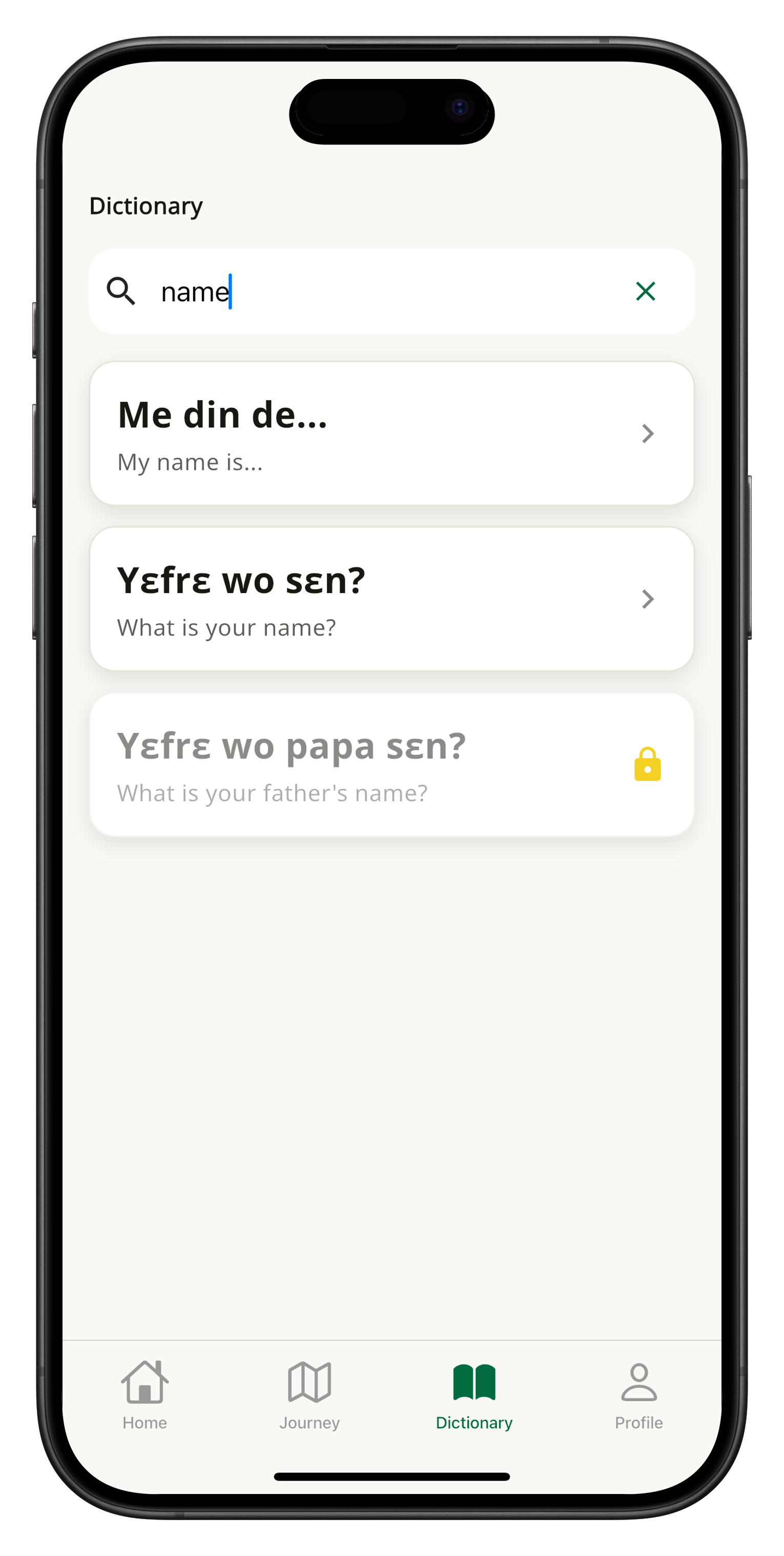
Ɛfie is the top-rated Twi learning app with a 4.6-star rating on both the App Store and Google Play. It is the only Twi app offering tone visualization, AI-powered pronunciation feedback (ASR), an integrated Twi-English dictionary, spaced repetition review, and content in 13 interface languages. Unlike Duolingo, Babbel, and Rosetta Stone, which do not offer Twi, Ɛfie is purpose-built for Akan Twi learners.
Can I learn Twi with Duolingo?
No. Duolingo does not offer Twi or any Akan dialect. The major language learning platforms — Duolingo, Babbel, and Rosetta Stone — do not support Twi. Ɛfie is the dedicated Twi learning app, offering tone visualization, AI pronunciation feedback, an integrated dictionary, spaced repetition, and cultural heritage content. It is rated 4.6 stars and available free on iOS and Android.
 Ɛfie
Ɛfie